
Italian Trulli

Online Ordering System

Let customers order straight from your restaurant, anytime. Zbillz gives you your own online ordering page for delivery, pickup, and dine-in, connected directly to your POS and kitchen, so every order lands in one place and gets prepared on time.

Your Own Ordering Page

Give customers a simple way to browse your menu and order online, with your brand front and centre.

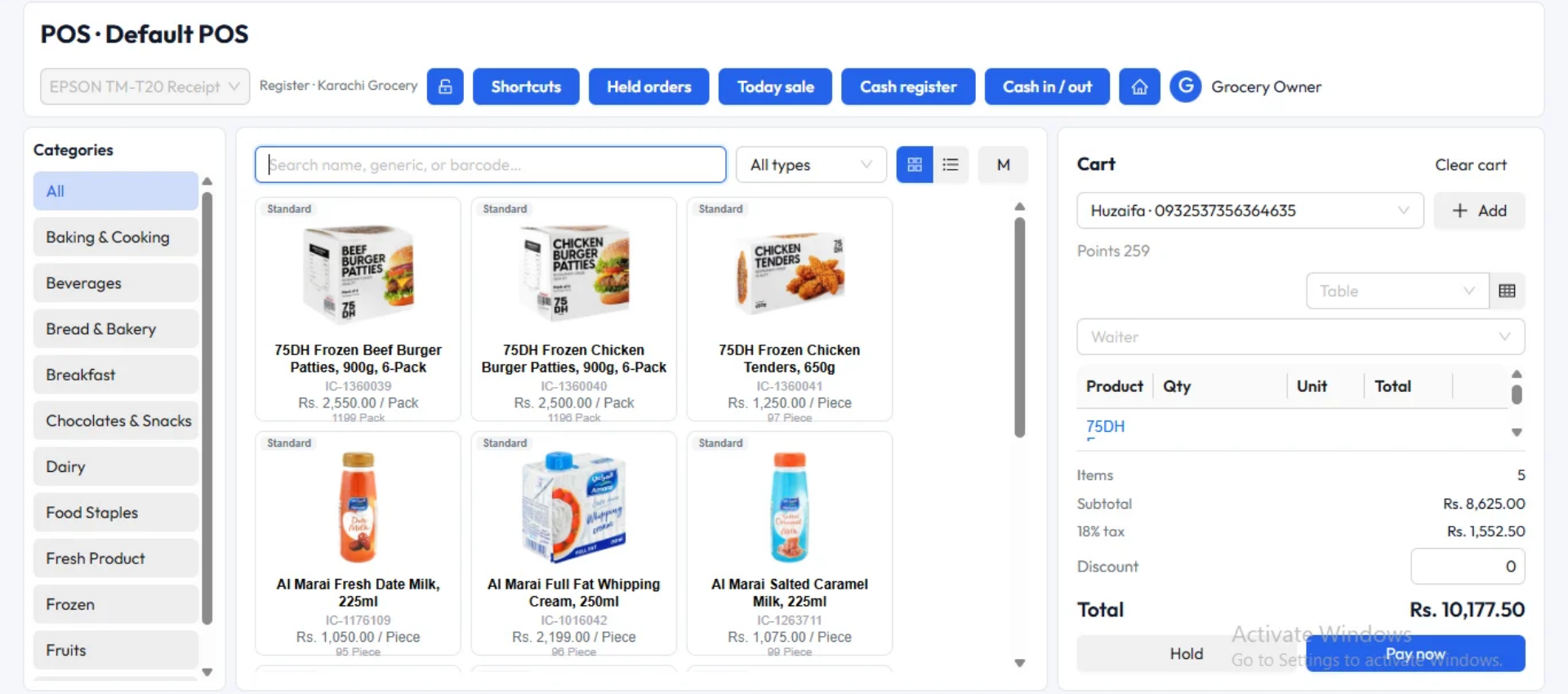
Orders Straight to Your POS

Online orders flow into the same system as your counter orders. No re-typing, no juggling devices.

Connected to the Kitchen

Every confirmed order reaches your kitchen display the moment it's accepted.

Every Way Your Customers Want to Order

Delivery, pickup, or dine-in. One online ordering system handles it all.

Delivery

Customers enter their address and order in a few taps. You set delivery areas and charges, then assign orders to riders.

Pickup

Customers order ahead and collect when it's ready. Shorter queues at your counter, happier customers at your door.

Dine-In QR Ordering

Guests scan a QR code at their table, browse the menu, and place their order. Your team saves time and tables turn faster.

Your Branded Ordering Page

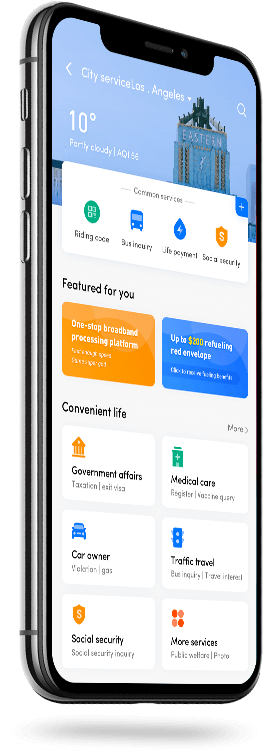
A clean, mobile-friendly page with your logo, menu, and prices. Share the link on Instagram, WhatsApp, and Google to start taking orders.

An All-in-One Online Ordering Solution

More than a menu page. It runs your entire online order flow.
featured

Live Order Management

See new orders instantly, accept or reject them, and update their status. Customers always know what's happening with their order.

Menu & Availability Control

Update prices, hide sold-out items, and change your menu in one place. Changes appear online right away.

Detailed Reports:

Track online sales, best-selling items, and peak ordering hours in real time, and see which channels bring the most revenue.

Customer Insights & Order History:

Every online customer and their past orders are saved automatically. See who orders most, what they love, and when they order, then bring them back with targeted offers.

From Tap to Table, Made Simple

Here is how an online order moves through your restaurant.

The customer places an order

They browse your menu, choose delivery or pickup, and check out.

Read More

You're notified instantly

The order appears in your POS with a clear alert, so it never gets missed.

Read More

The kitchen prepares it

Once accepted, the order goes straight to your kitchen display.

Read More

It's delivered or picked up

Assign a rider or notify the customer when their order is ready.

Read More

One Ordering System. Every Branch.

Run online ordering for all your locations from a single cloud dashboard, with branch-level menus, delivery areas, and reporting. Scale from one outlet to many without changing systems.

Online Ordering: Common Questions

It is software that lets customers browse your menu and place orders online for delivery, pickup, or dine-in. Zbillz connects those orders directly to your POS and kitchen, so you manage everything in one place.

Yes. Online orders appear in the same system as your counter orders, so your team never has to enter them by hand.

Yes. You can define delivery zones, set area-wise delivery charges, and choose exactly where you deliver.

Yes. Customers can order ahead and collect from your restaurant, which reduces waiting time at the counter.

Yes. Update prices, add new items, or hide unavailable ones from your dashboard, and your online menu changes right away.

Yes. Each branch can have its own menu, delivery areas, and orders, all managed from one dashboard.

Rocket

Start Taking Online Orders Today

Give your customers an easy way to order, and give your team one system to manage it all. Start your 14-day free trial. No credit card required.