
Tax should not be a thing your cashier works out on a calculator. Set your rules once and zbillz applies them to every order, prints a clean itemised invoice, and keeps the numbers ready for filing.
Cashiers ring up the order; the rate applies itself.
Every bill keeps its full tax breakdown, permanently.
Pull the period you need and export it in seconds.
Configure it the way your business actually works — by branch, by service type, right down to a single item.
Set the rate once and let zbillz apply it. Different rates for dine-in, takeaway, and delivery are handled automatically on every bill.
Provinces do not always agree on tax. Give each branch its own rate so the same menu bills correctly in every city you operate in.
Zero-rated or exempt items do not have to break your setup — override tax on any individual item or category.
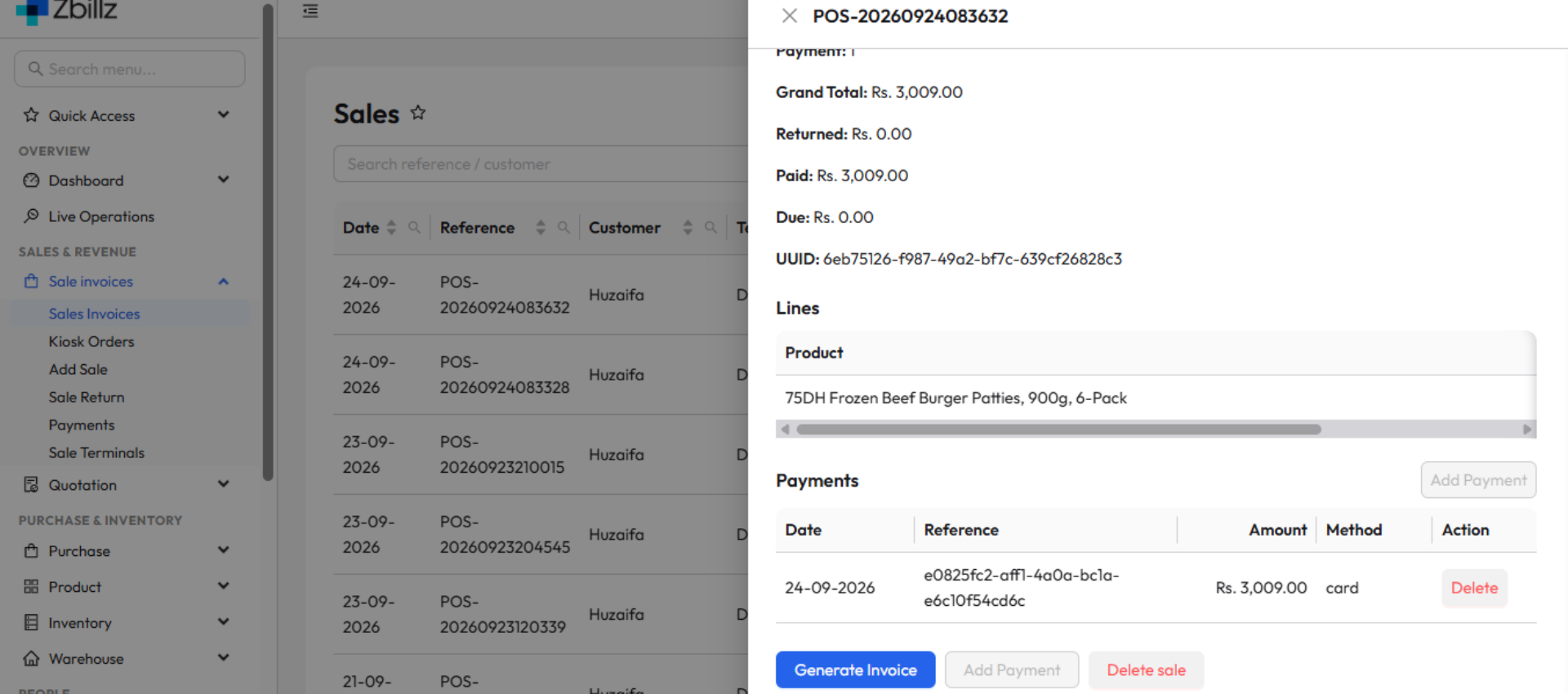
Every receipt shows the net amount, the tax applied, and the total — so customers can see exactly what they are paying for.
Apply service charges, deals, and discounts in the right order so the tax calculation stays correct no matter how the bill is built.
Pull tax collected by period, branch, or service type — the numbers your accountant asks for, without rebuilding them in a spreadsheet.
From configuration to filing, without a spreadsheet in the middle.
Set your tax rates by branch, service type, and item from the admin dashboard.
Every order at every terminal applies the right rate — cashiers never calculate tax by hand.
Receipts break out net, tax, and total so the customer sees a bill they can trust.
Pull tax collected for any period and hand your accountant a number you can stand behind.

Rates that vary by branch and service type are exactly the kind of thing people get wrong at 9pm on a Saturday. Configure them once and let every terminal bill correctly without thinking about it.
Yes. zbillz lets you set tax by service type, so dine-in, takeaway, and delivery can each carry their own rate. The correct rate is applied automatically based on how the order was placed — your cashiers do not have to remember which is which.
Yes. Tax is configured per branch, so a restaurant with locations in different provinces can bill each one at its local rate while running the same shared menu.
You can override the tax setting on any individual item or category. Exempt and zero-rated items keep their own treatment while the rest of the menu follows your default rate.
Yes. Every printed and digital invoice breaks the bill into net amount, tax applied, and total, along with any service charge or discount. Customers can see exactly what they are being charged and why.
zbillz applies discounts and service charges in a defined order before calculating tax, so a deal or coupon never leaves you with a bill that does not add up. The breakdown is visible on the receipt and in your reports.
Yes. Tax reports can be pulled by date range, branch, or service type and exported, so preparing a return does not mean rebuilding your sales history in a spreadsheet.
Accurate tax on every order, clear invoices for every customer, and reports your accountant will actually accept. Start your 1-month free trial — no credit card required.
